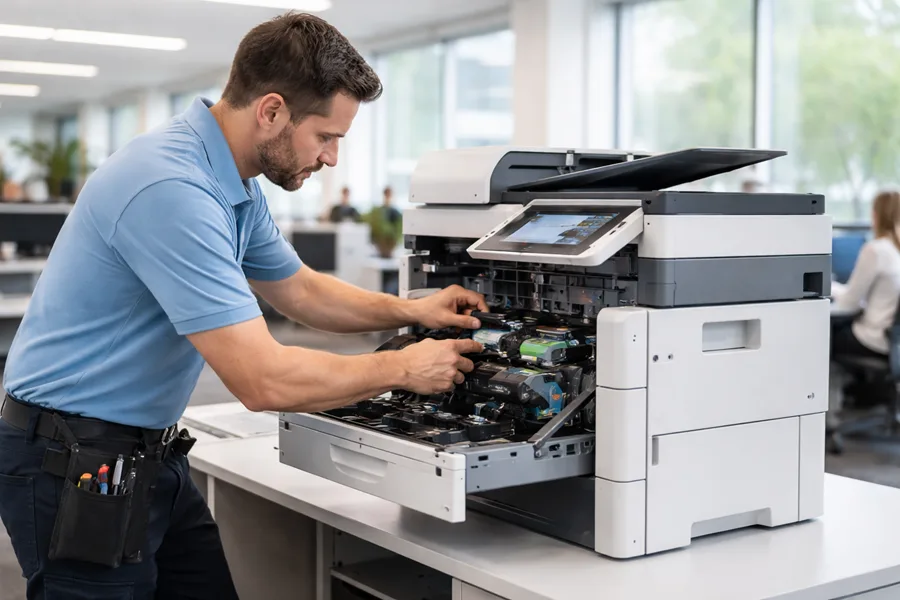
Office printer repair services help prevent disruptions so workflows keep moving. This article outlines the repair services available in Kendall, explains the benefits of managed print services and leasing, lists the brands local technicians commonly service, and shares practical maintenance tips to maximize uptime. Use these insights to make informed choices and reduce costly downtime.
What Office Printer Repair Services Are Available in Kendall?
Local Kendall repair providers offer a spectrum of solutions for common and complex printer problems. From scheduled upkeep to urgent fixes, technicians are prepared to diagnose issues and restore printers quickly so your office can get back to work.
Comprehensive Printer and Copier Repair Options
Comprehensive repair options cover the full range of office devices. Technicians handle paper jams, replace ink and toner, resolve network and connectivity problems, and service laser, inkjet, and multifunction printers. Their training and parts access help keep equipment performing reliably.
Emergency Printer Repair Services for Business Continuity
When printers fail at critical moments, emergency repair services maintain business continuity. Local technicians often offer fast response times and same‑day fixes where possible, minimizing interruptions and helping teams meet deadlines without extended delays.
How Can Managed Print Services and Leasing Benefit Kendall Businesses?
Managed print services (MPS) and leasing can simplify printing for Kendall businesses. These options reduce overhead, streamline workflows, and shift day‑to‑day print management to specialists so staff can focus on core priorities.
Advantages of Managed Print Services for SMBs in Kendall
Managed print services offer practical benefits for small and mid‑sized businesses in Kendall, including:
- Cost Savings: Lower overall printing costs through usage monitoring, supplies management, and reduced waste.
- Efficiency Improvements: Better workflow design and proactive support reduce downtime and speed up printing tasks.
- Scalability of Services: MPS plans can be adjusted as your business grows or changes, so you pay only for what you need.
Flexible Printer Leasing Options with Integrated Maintenance
Leasing printers is a flexible alternative to purchasing. Many lease agreements bundle maintenance and support, so devices are serviced regularly and issues are handled quickly — all without a large upfront capital outlay.
Research also highlights the strategic value of lease models when paired with proactive maintenance.
Proactive MFP Maintenance & Lease Offers
This paper examines Product‑as‑a‑Service (PaaS) models that proactively manage service availability for Multi‑Function Printer (MFP) offerings. It presents a system that combines predictive analytics, automated resource allocation, and flexible service scaling to prevent disruptions and optimize delivery. The study focuses on resource allocation challenges and on designing lease offers that meet predefined risk thresholds related to potential resource failures.
Proactive Resource Maintenance in Product-as-a-Service Business Models: A Constraints Programming Based Approach for MFP Offerings Prototyping, E Szwarc, 2024
Which Printer Brands and Models Do Kendall Technicians Service?
Technicians serving Kendall are experienced with a wide range of brands and models, so businesses can get expert help regardless of their current equipment.
Expertise in HP, Canon, Xerox, and Other Major Brands
Local technicians commonly service major manufacturers such as HP, Canon, and Xerox. They understand brand‑specific designs and failure points, which helps them diagnose problems faster and apply the right fix.
Brand-Specific Repair and Maintenance Solutions
Brand‑specific repair plans and maintenance tips address the unique needs of different models. Tailored service helps extend a printer’s useful life and maintain consistent print quality.
What Are Common Printer Maintenance Tips and Troubleshooting Steps?
Simple maintenance and quick troubleshooting go a long way toward reducing downtime and extending the life of office printers. Knowing the usual issues and how to address them helps teams stay productive.
Preventive Maintenance Practices to Reduce Downtime
Effective preventive practices include:
- Regular Cleaning: Remove dust and paper debris from trays, rollers, and vents to avoid jams and print defects.
- Scheduled Servicing: Periodic checks by a technician catch wear and tear before it causes failures.
- Proper Usage: Teach staff correct loading, paper types, and handling to reduce user‑caused problems.
Simple Troubleshooting for Frequent Printer Issues
Quick checks often resolve common problems:
- Checking Connections: Verify power and network cables are secure and the printer is online.
- Replacing Cartridges: Monitor ink or toner levels and replace cartridges before they halt printing.
- Updating Drivers: Keep printer drivers and firmware current to avoid compatibility and performance issues.