Upgrade Your Miami Office Printers with Flexible Leasing and Managed Print Solutions
Updating your office printers can meaningfully improve productivity and lower operating costs for Miami businesses. Many small and mid-sized companies still rely on aging equipment that slows workflows and raises expenses. This piece breaks down the practical benefits of leasing printers, explains how managed print services (MPS) can optimize your fleet, and highlights what to consider when choosing hardware—so you can pick the right solution for your needs and budget.
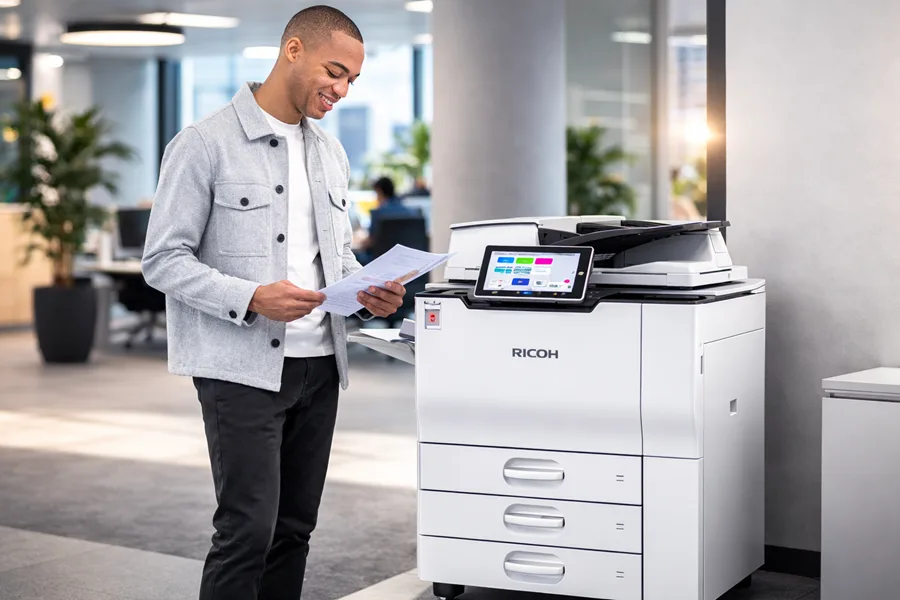
Research also shows that investments in information technology have broad, measurable impacts on firm performance and efficiency.
IT Investment Drives Business Productivity
Abstract: To grasp the economic value of computers, it helps to widen how we define the technology and its impacts. Case studies and firm-level econometric evidence indicate two key points: (1) organizational investments strongly shape the returns from IT, and (2) many IT benefits are intangible and hard to quantify. Our review suggests the productivity gains tied to IT began well before recent macroeconomic improvements, and that today’s productivity uptick may partly reflect earlier accumulation of intangible capital.
Beyond computation: Information technology, organizational transformation and business performance, E Brynjolfsson, 2000
Benefits of Office Printer Leasing for Miami SMBs
Leasing office printers gives Miami SMBs access to current technology without large upfront spending. That makes it easier to preserve cash and scale equipment as needs change. Many lease packages also include maintenance and upgrades, so businesses stay current without taking on unexpected repair bills or replacement costs.
How leasing cuts upfront costs and frees up cash
Leasing replaces a big one-time purchase with predictable monthly payments, which helps stabilize cash flow and frees funds for priorities like hiring or marketing. Lease agreements often bundle maintenance and support, reducing surprise expenses and simplifying budgeting.
Flexible leasing plans from Barlop Business Systems
Barlop Business Systems offers adaptable lease options to fit Miami businesses of different sizes and timelines, from short-term agreements to longer contracts. We can tailor equipment packages and features to match your workflow, so you only pay for what your team actually uses.
How Managed Print Services Optimize Your Miami Printer Fleet
Managed print services (MPS) streamline printing operations by putting fleet oversight in expert hands. MPS providers review usage patterns, recommend device consolidation, and enforce print policies that reduce waste—so your team spends less time managing printers and more time on core work.
Cost savings and efficiency gains from managed print services
When providers analyze printing behavior and apply targeted policies, businesses commonly see meaningful savings—often as much as 20–30% on printing costs. Simple changes like reducing unnecessary color prints, combining devices, and setting default duplex printing translate to lower spending and smoother operations.
Proactive maintenance and better uptime with MPS
MPS includes proactive monitoring, routine maintenance, and fast service response to prevent downtime. By catching issues early and keeping supplies stocked, providers help ensure printers are ready when your team needs them—reducing interruptions and supporting steady productivity.
When to Schedule a Printer Technology Refresh
Planning regular technology refreshes helps Miami SMBs avoid reliability problems and rising repair costs. Replacing or upgrading equipment on a predictable cycle keeps performance high and brings new features that support modern workflows.
Recommended refresh cycle for business printers
Most organizations refresh business printers every three to five years. That window balances hardware depreciation with improvements in speed, print quality, security, and cloud capabilities—helping you avoid escalating maintenance bills and performance bottlenecks.
How MFPs with cloud integration improve workflows
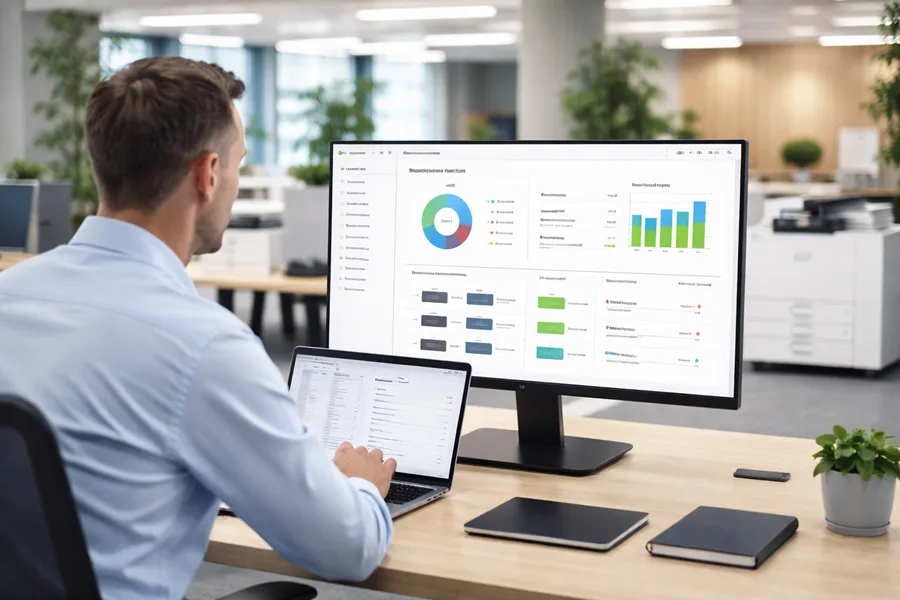
Modern multifunction printers with cloud connectivity let teams print, scan, and share documents from any device—keeping collaboration fluid whether employees are in the office or remote. Cloud-enabled MFPs also simplify document routing and reduce manual steps, which speeds common tasks and cuts errors.
Studies also underline how embedded scanning, encryption, and certification workflows on MFPs strengthen document security while streamlining processing.
MFP Document Security & Workflow Efficiency
Though PPCDs can be created, shared, and edited cross-organizationally on computers, standalone MFPs historically lacked an efficient, secure way to incorporate scanned documents into those files. The solution allows users with assigned edit rights to update specific content by scanning physical documents at an MFP. Scans are then encrypted, signed, and inserted automatically as new PPCD content.
Embedded Scanning, Encryption and Certification Workflows on Multi-Function Printers (MFPs), 2014
Choosing Business Printers in Miami: Key Considerations
When choosing printers, evaluate total cost of ownership, brand reliability, and the strength of service agreements. The right mix of hardware, support, and warranty coverage will keep your fleet dependable and cost-effective over time.
Best printer brands and models for SMBs
Brands such as HP, Canon, and Brother offer dependable models for small and medium businesses, from high-volume monochrome devices to compact color MFPs. Match a model to your monthly volume, security needs, and finishing requirements to get the best value.
How to compare leasing plans and service agreements
Compare offers by looking at total cost of ownership, what maintenance and support are included, contract flexibility, and end-of-lease options. Clear SLAs, transparent pricing, and scalable terms make leases easier to manage and align with your long-term goals.