In South Miami’s fast-moving business environment, the right office equipment keeps your team productive and your operations on track. This guide walks through the sales and service options available locally — from multifunction printers to managed IT — so you can choose equipment and support that match your workflow and budget. Many organizations struggle to pick the right mix of devices, financing, and repair plans; our goal is to make those decisions clearer by comparing buying versus leasing, outlining dependable repair strategies, and highlighting key services like managed print and IT support.
What Office Equipment Sales and Leasing Options Are Available in South Miami?
South Miami businesses can choose from several purchasing and leasing paths. Knowing the differences helps you match equipment to usage patterns, cash flow, and upgrade needs.
Which Types of Printers and Copiers Can Businesses Lease or Buy?
- Multifunction Printers: All-in-one units that handle printing, scanning, copying and faxing — ideal for teams that want one consolidated device.
- Laser Printers: Fast, efficient printers built for high-volume black-and-white or color output.
- Inkjet Printers: Best for businesses needing high-quality color prints for marketing materials and presentations.
- Copiers: Dedicated copying systems for offices with heavy, document-focused workflows.
Each class of equipment serves different needs — from high-volume monochrome work to vibrant color marketing pieces — so you can pick the right fit for your daily operations.
How Does Leasing Compare to Buying Office Equipment in South Miami?
Deciding between leasing and buying depends on budget, upgrade plans, and who handles maintenance. Here’s a straightforward comparison:
Leasing gives flexibility to adopt new technology quickly, while buying can be more economical for stable, long-term needs. The right choice depends on your growth plans and cash-flow priorities.
How Do Copier and Printer Repair Services Support South Miami Businesses?
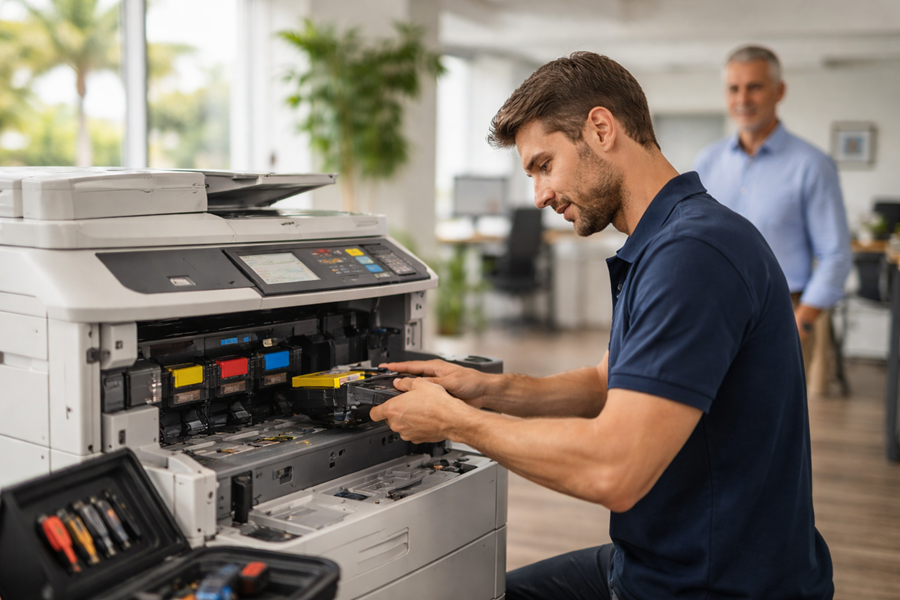
Quick, reliable repair service keeps downtime to a minimum. Knowing common issues and how they’re handled helps you prevent interruptions and maintain steady productivity.
What Are Common Copier and Printer Issues and Their Solutions?
- Paper Jams: Usually caused by improper loading, worn rollers, or low-quality paper — regular checks and proper paper handling reduce these events.
- Print Quality Problems: Streaks, smudges, or faded output are often solved by replacing toner/ink or running a maintenance cycle.
- Connectivity Issues: Network or driver problems can interrupt printing; updating drivers, checking network settings, or restarting devices typically restores service.
Timely maintenance and prompt repairs cut downtime and keep teams working without interruption.
Simple preventative steps combined with a responsive service plan will resolve many common problems before they impact daily operations.
Effective Office Equipment Maintenance & Repair Strategies
Good maintenance habits and a dependable repair workflow reduce the time equipment is out of service. Experience shows roughly one-third of reported problems are caused by user error, one-third stem from easy-to-fix technical issues (like a blown bulb, a blown fuse, or a loose power cord), and about one-third require deeper fault-finding and specialist knowledge. Users therefore play an important role in everyday care and upkeep.
Equipment maintenance and repair, 2010
Which Brands and Models Are Supported for Service and Repair?
- Ricoh: Trusted for dependable multifunction printers and robust scanning features.
- Sharp: Offers reliable machines with intuitive interfaces and energy-efficient models.
- Epson: Known for vibrant color output and innovative inkjet technologies.
- Brother: Delivers durable, cost-effective printers and all-in-one solutions for small and mid-size teams.
These manufacturers are commonly supported by local service providers, making it easier to source parts and skilled technicians.
What Are the Benefits of Managed Print Services for Miami Businesses?
Managed print services (MPS) centralize print management so you spend less time on supplies, maintenance, and troubleshooting — and more time on core work. MPS can cut costs, improve security, and streamline printing across your organization.
How Can Managed Print Services Reduce Costs and Improve Efficiency?
- Cost Savings: MPS optimizes device use and reduces waste to lower overall printing expenses.
- Increased Productivity: Fewer interruptions from supply shortages or breakdowns mean staff stay focused on their jobs.
- Enhanced Security: MPS providers can implement safeguards to protect confidential documents and networked devices.
Those advantages make MPS a smart option for businesses that want predictable costs and fewer print-related headaches.
Research also shows MPS plays a growing role in how organizations manage IT infrastructure and vendor contracts.
Managed Print Services & IT Infrastructure Management
Managed services are a fast-growing part of IT infrastructure management for organizations. Studies examining managed print services (MPS) look at contractual relationships between MPS providers and institutional customers to understand pricing and service dynamics.
Empirical study on managed print services pricing, J Ning, 2014
What Features and Technologies Are Included in Managed Print Services?
- Remote Monitoring: Proactive device monitoring helps schedule maintenance and replenish supplies before they run out.
- Analytics and Reporting: Usage reports reveal printing patterns and costs, enabling smarter decisions.
- Sustainability Initiatives: Many MPS programs include recycling and eco-friendly practices to reduce environmental impact.
Combined, these features form a full-service approach to printing that balances operational needs with cost control and sustainability.
How Does Business IT Support Enhance Office Equipment Performance in South Miami?
Good IT support ensures printers, copiers, and networked devices work together reliably. Integrating device management with IT services reduces errors and shortens recovery time when problems arise.
What Managed IT Services Complement Office Equipment Solutions?
- Network Management: Keeps devices connected and performing across wired and wireless networks.
- Data Backup and Recovery: Protects critical files and ensures business continuity if hardware fails.
- Cybersecurity Solutions: Defends against threats that could expose sensitive information or disrupt operations.
These IT services help equipment run at peak performance while protecting business data.
How Does Local IT Support Ensure Quick Response and Reliability?
- Quick Response Times: Local technicians can reach your site faster, reducing downtime.
- Familiarity with Local Businesses: Local providers understand the common workflows and constraints in the South Miami market.
- Personalized Service: On-the-ground teams provide tailored solutions that fit your specific needs and environment.
Local support combines speed and context, which matters when equipment failures would otherwise slow your team down.
Which Office Technology Brands and Products Are Offered in South Miami?
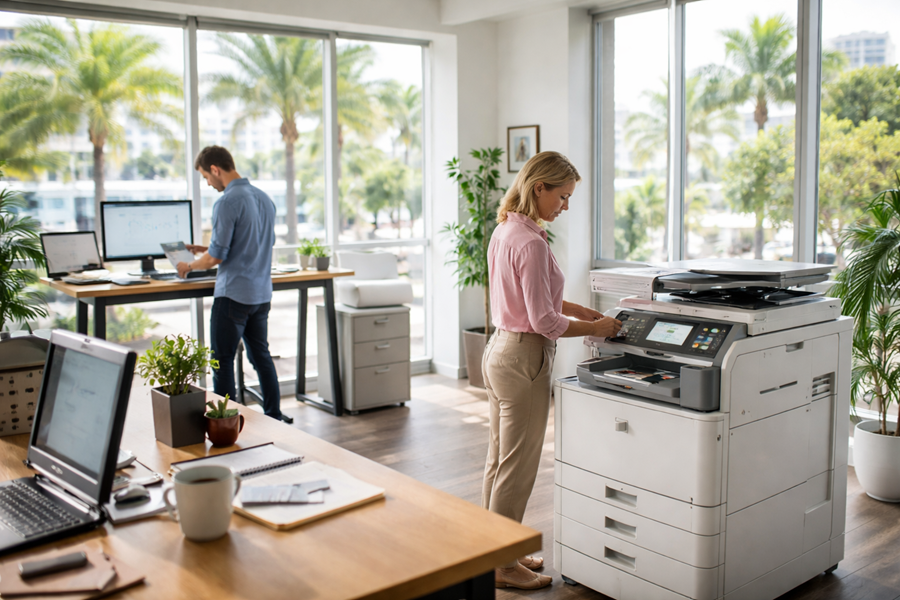
South Miami companies can choose from leading vendors and a wide range of products, so it’s easy to find devices that match your volume, color needs, and budget.
What Are the Features of Ricoh, Sharp, Epson, and Brother Equipment?
- Ricoh: High-speed printing with advanced scanning and workflow tools.
- Sharp: User-friendly control panels and models designed for energy efficiency.
- Epson: Excellent color fidelity and innovative ink systems for sharp graphics.
- Brother: Reliable everyday performance and affordable total cost of ownership.
These strengths make these brands popular choices for local businesses seeking dependable office technology.
How Do Wide-Format Plotters and Smart Boards Enhance Business Operations?
Wide-format plotters and smart boards add capabilities that improve communication and output quality:
- Wide-Format Plotters: Produce large-scale graphics, blueprints, and signage — essential for design, architecture, and construction work.
- Smart Boards: Enable interactive presentations and real-time collaboration, useful for meetings and training.
Adding these tools can boost collaboration, presentation quality, and the visual impact of your materials.
How Can South Miami Businesses Optimize Office Setup and Relocation Services?
Smooth equipment installation and thoughtful relocation planning minimize downtime and let your team get back to work faster after a move or reconfiguration.
What Are Best Practices for Office Equipment Installation and Setup?
- Planning the Layout: Place devices for efficient workflows, easy access, and proper power/networking.
- Testing Equipment: Confirm all functions and network connections before going live.
- Training Staff: Provide hands-on training so employees use new devices confidently and correctly.
Following these steps reduces interruptions and helps your team adopt new systems quickly.
How Does Business Consulting Support Technology Integration?
Consulting helps align technology choices with business goals by:
- Assessing Needs: Determining the right mix of devices, capacity, and services for your operation.
- Streamlining Processes: Designing workflows and integrations that simplify daily tasks.
- Providing Ongoing Support: Offering guidance as your needs evolve and technology changes.
Thoughtful consulting ensures your technology investments deliver real business value.
The table above summarizes core services available to South Miami businesses and the practical benefits each provides.