Why Password Management Matters More Than Ever
Passwords are the front door to your business. And most companies leave that door unlocked. Weak credentials, reused logins, and sticky notes on monitors give attackers an easy path in. This is not a rare edge case. It is the single most common way breaches start.
The math is brutal. The average employee juggles well over a hundred passwords across work and personal accounts. Nobody can remember so many unique, strong passwords. So people cut corners. They reuse the same password across sites, add a “1” at the end, or store logins in a browser or a spreadsheet. Each shortcut widens the crack.
Barlop Business Systems has watched this problem grow for years across South Florida. A password manager fixes it at the root. It generates a long random password for every account, stores each one in an encrypted vault, and fills them in automatically. Your team remembers one master password. The software handles the rest.
What the Latest Data Says About Credential Risk
The numbers change every year, so treat these as a snapshot worth verifying against primary sources. Still, the pattern holds. Credentials remain a top way in for attackers, and human password habits stay poor.
Here is the honest caveat. No single statistic tells the whole story, and vendors slice the data differently. But every serious report points the same direction. Fix your passwords, and you close off a large slice of risk. And the fix is cheap next to the alternative.
What a Breach Actually Costs a Small Business
Big enterprise breach numbers grab headlines. A commonly cited global average put the cost of a data breach in the millions during 2025, though figures move year to year and you can verify the current number from the primary report. For a small Miami company, though, the enterprise average is not the useful figure.
Small businesses face a different math. Response and recovery costs for an SMB incident are frequently reported in the range of six figures, and some surveys peg the average SMB cyberattack in the low hundreds of thousands of dollars. I cannot confirm any single number as exact, so treat these as ballpark and verify before quoting them.
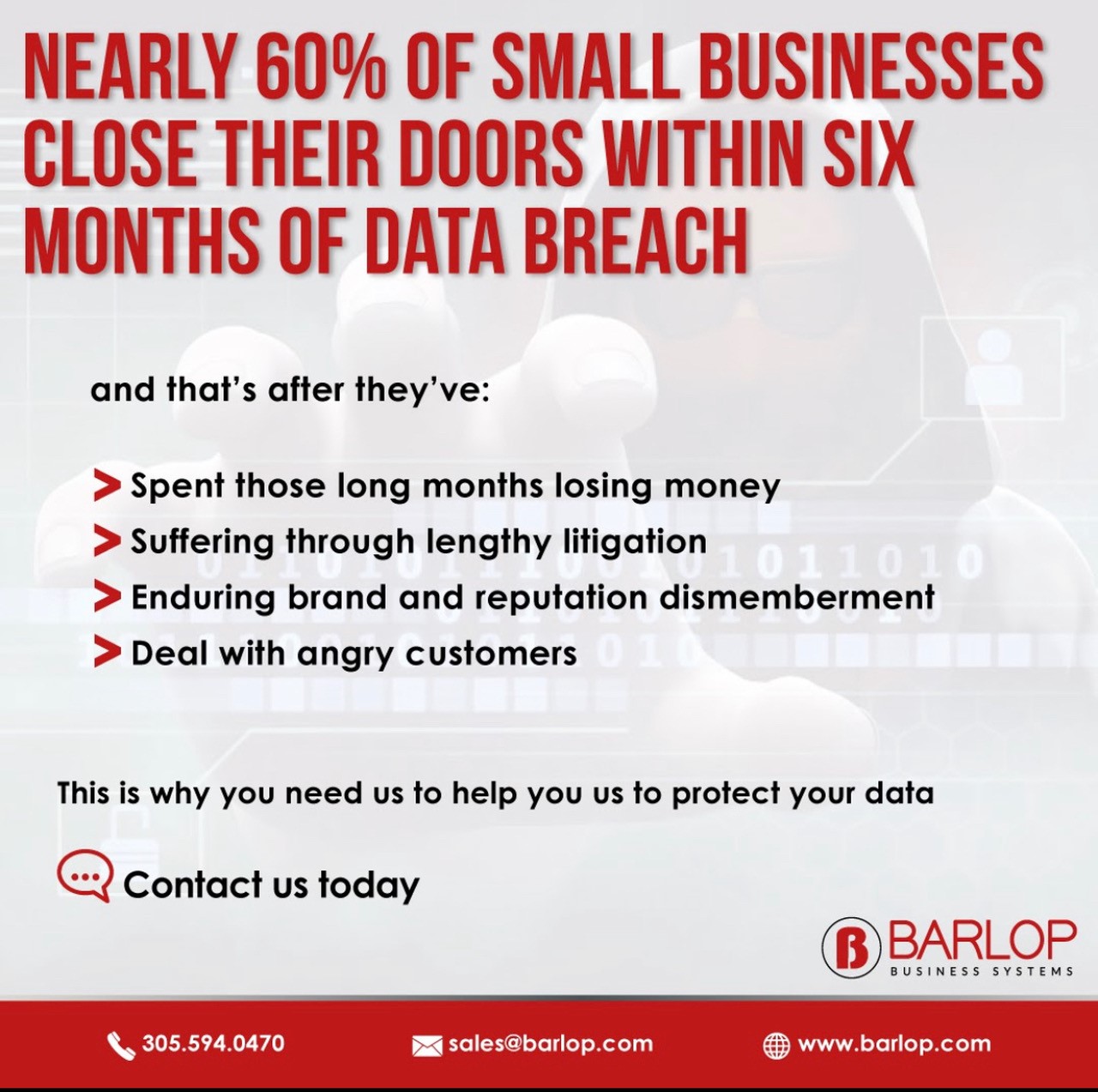
One statistic gets repeated often. Some sources claim a large share of small businesses close within six months of a major cyberattack. I have seen the “60%” figure widely attributed, but its original source is disputed, so I would not present it as hard fact. The broader point stands anyway. A breach can be an extinction-level event for a small firm. Downtime, lost trust, legal exposure, and recovery labor pile up fast.
What a Business Password Manager Actually Does
A password manager is not just a digital notebook. A good business-grade tool bundles several protections into one system. So let us break down the core pieces.
The Encrypted Vault
Every login lives in an encrypted container. Only the user, with the master password, can open it. Even the vendor cannot read the contents in a properly designed zero-knowledge system.
Unique Password Generation
The tool builds a long random string for each account. No reuse. No patterns. Each site gets its own key, so one leaked password does not unlock the rest.
Multi-Factor Authentication
MFA adds a second check, like a code from an app or a hardware key. Even if a password leaks, the attacker still gets stopped. The Cybersecurity and Infrastructure Security Agency calls MFA one of the strongest steps a business can take.
Admin Controls and Reporting
Owners and IT admins get a dashboard. They can enforce policy, spot weak or reused passwords, revoke access when someone leaves, and pull login and security reports for compliance. This is where a managed setup pays off.
The Hidden Productivity Win Beyond Security
Security is the headline. But password management also buys back time. Forgotten passwords clog help desks. Locked-out employees sit idle. Resets eat hours every week across a company.
Self-service reset and single-vault access cut the friction. Staff log in faster. IT fields fewer tickets. And onboarding gets simpler, because a new hire inherits the right vault access on day one instead of chasing down a dozen separate logins.
For a lean South Florida business, those saved hours matter. Barlop clients often notice the productivity lift before they think much about the security math. Both benefits arrive together.
Password Manager vs. Common Alternatives
Plenty of teams already “manage” passwords somehow. The question is whether the method holds up. Here is a plain comparison.
| Method | Security Level | Ease of Use | Best For |
|---|---|---|---|
| Managed business password manager | Strong (encrypted vault, MFA, admin controls) | High once set up | Any company serious about credential security |
| Browser-saved passwords | Weak to moderate; tied to one device or account | High | Casual personal use, not business |
| Spreadsheet or shared doc | Very weak; often unencrypted | Moderate | Nobody, honestly |
| Sticky notes and memory | Very weak; easy to lose or copy | Low | A recipe for reuse and lockouts |
| Free personal password app | Moderate; lacks central admin | High | Solo users, not teams needing oversight |
See the gap? A business tool is the only row with central control and enforced policy. Central control is what protects a whole team rather than one person.
What Business Password Management Typically Costs
Pricing shifts by vendor, seat count, and feature tier, so the ranges below are directional. Please get a current quote before you budget. Barlop Business Systems can size a plan to your headcount and compliance needs.
| Tier | Typical Range (per user / month) | What You Usually Get |
|---|---|---|
| Basic team plan | Roughly $3 to $5 | Shared vaults, MFA, basic admin |
| Business plan | Roughly $5 to $8 | Advanced policy, reporting, directory sync |
| Managed by Barlop | Bundled with IT services | Setup, rollout, training, monitoring, support |
Notice the third row. Software alone is cheap. The value of a managed program is the human help around it: deployment, staff training, and someone watching the reports. For a small business without a full IT team, the support is the difference between a tool people ignore and a habit people keep.
Credential Security for Miami and South Florida Businesses
Cyber risk is global, but response is local. When something breaks at 8 a.m. in Doral, you want a partner who answers, not a ticket queue three time zones away. Barlop Business Systems has served Miami-Dade since 1983. We are family-owned, and proudly woman- and minority-owned, with more than 40 years of roots in the community.
South Florida SMBs face their own pressures. Hurricane season means business continuity planning cannot slip. Tight-knit industries like legal, healthcare, and real estate carry heavy compliance loads. And remote and hybrid teams stretch credentials across home networks and personal devices. Password management touches all of it.
We pair credential security with broader managed security services and managed IT in Miami, so passwords are one layer inside a fuller defense. Phishing awareness is another; you can read our take on preventing phishing scams too.
Our Approach to Password and Credential Security
Want to see where your gaps are? Start with a free network assessment, and we will show you what a breach could reach today.
Simple Habits That Strengthen Every Password Program
Tools do a lot. Habits finish the job. A few steady practices keep credential security tight, and none of them are hard.
Notice the NIST shift. Older advice pushed constant password changes and odd symbol rules. Newer guidance leans toward longer, memorable passphrases and MFA instead. A good manager supports either approach without friction.
Credential Mistakes We See in Miami Offices
After decades of on-site visits across Miami-Dade, patterns repeat. The same handful of habits show up again and again, and each one quietly raises risk. So here are the ones worth catching early.
None of these come from carelessness. They come from busy people without the right tools. A managed password program replaces each bad habit with an easy, secure default. And once the default is easy, people stick with it.
Here is how a fix usually plays out. We start with a short audit. We find the shared logins, the reused passwords, and the accounts with no MFA. Then we prioritize. The riskiest accounts get fixed first, like email, banking, and admin logins. After that, we roll the rest of the team into the vault in small waves so nobody feels overwhelmed. Quiet, steady, done. No drama, no week-long shutdown.
Passkeys and the Future of Business Login
Passwords are not going away tomorrow. But the industry is moving. Passkeys, built on public-key cryptography, let a user sign in with a device and a biometric instead of a typed secret. There is nothing to phish and nothing to reuse. Big platforms already support them.
So where does a password manager fit? Right in the middle of the transition. Modern managers store passkeys alongside passwords, so your team can adopt the new method at its own pace while old logins stay covered. You do not have to flip a switch overnight. You migrate account by account.
For a South Florida business, the practical takeaway is simple. Pick tools built for both worlds. Barlop tracks these shifts so clients are not caught flat-footed when a key vendor deprecates old logins. Is your current setup ready for passkeys? If you are not sure, a quick review answers it.
Where Passwords Fit in a Layered Defense
Password management is powerful. It is also just one layer. Real security stacks several defenses, so a single failure does not sink the ship. Think of it like a building. You want a strong front door, but you also want alarms, cameras, and a fire plan.
A solid stack for a Miami SMB usually pairs credential security with several partners. Endpoint protection guards the laptops. Email filtering catches phishing before it lands. Backups keep a clean copy of your data offline. Network monitoring watches for odd behavior. And staff training turns your people into a defense instead of a weak point.
Passwords sit at the center of all of it, because credentials are what attackers want most. Lock them down, and the other layers get easier. Barlop builds these layers together, so nothing is left dangling. One partner, one plan, one number to call when something feels off.
There is a real advantage to a single local partner here. Split your security across five vendors, and gaps open in the seams. Who owns the alert nobody answered? Whose job was the patch? When one Miami team runs the whole stack, accountability is clear. And response is faster, because the people who set it up are the same people who pick up the phone. For a small business, that clarity is worth as much as any single tool.